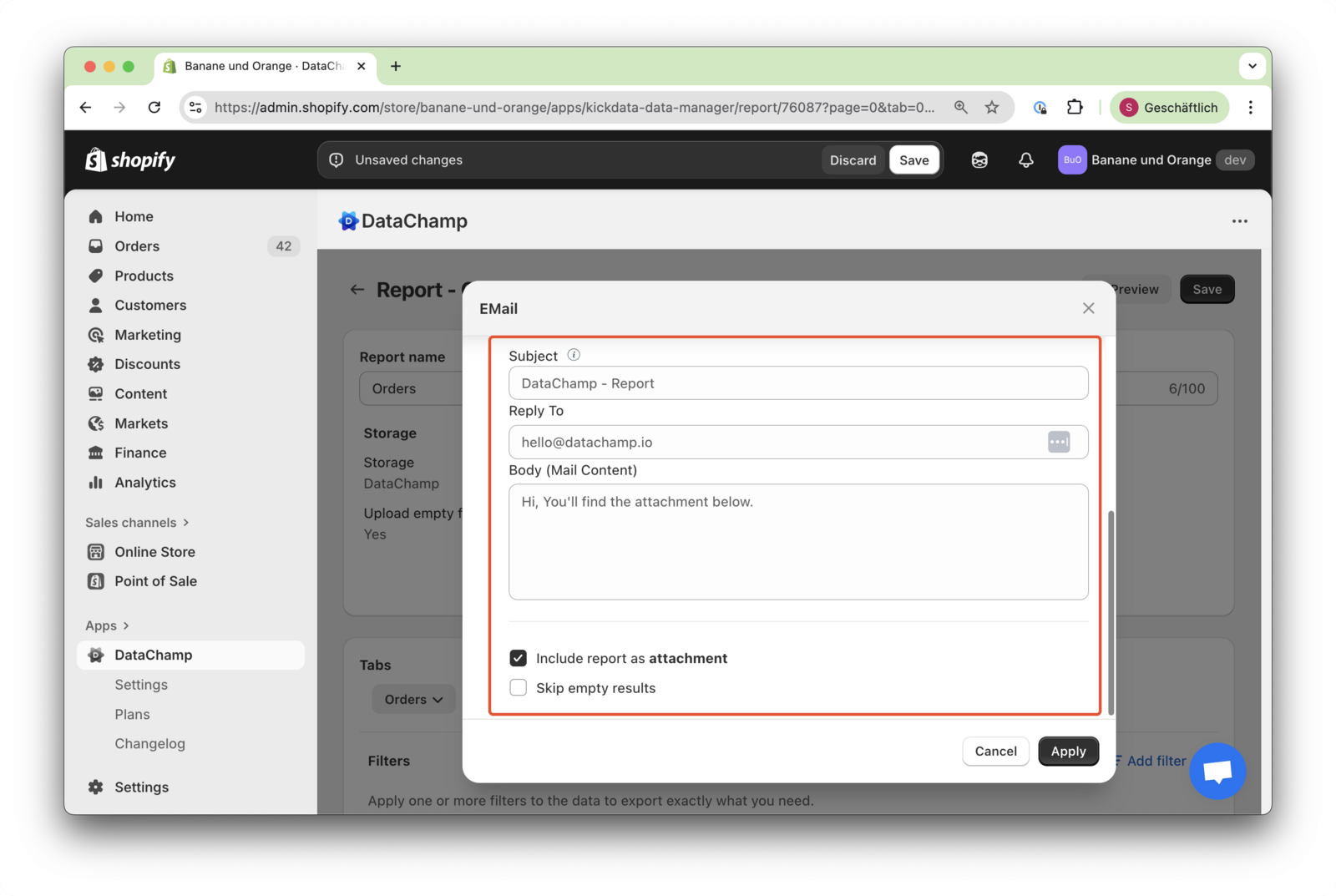
E-Mail Notification
Updated on
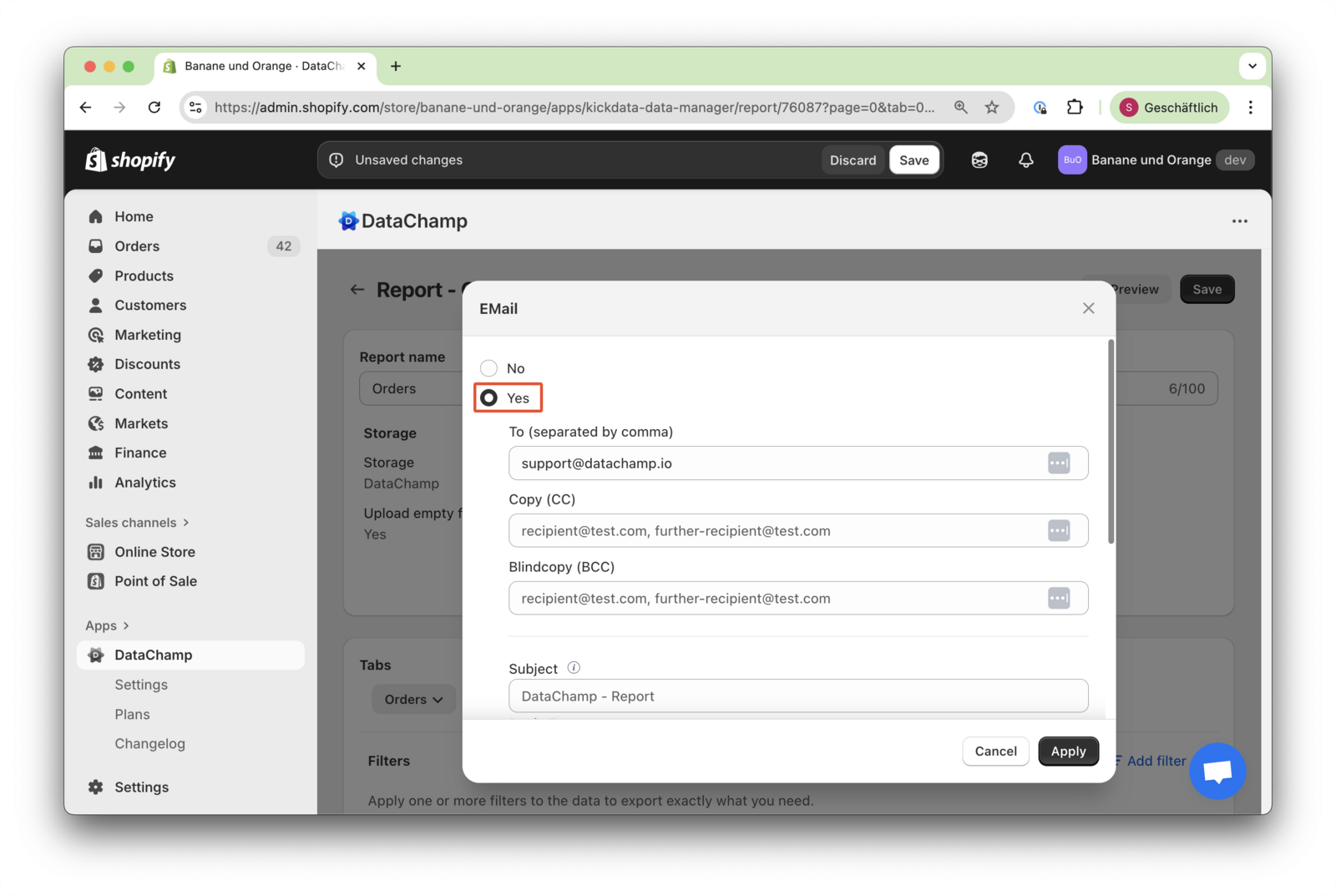
You can choose to receive email notifications when running an export. Additionally, you have the flexibility to send copies (CC) or blind copies (BCC) to multiple recipients as needed. The report can also be attached to the email.
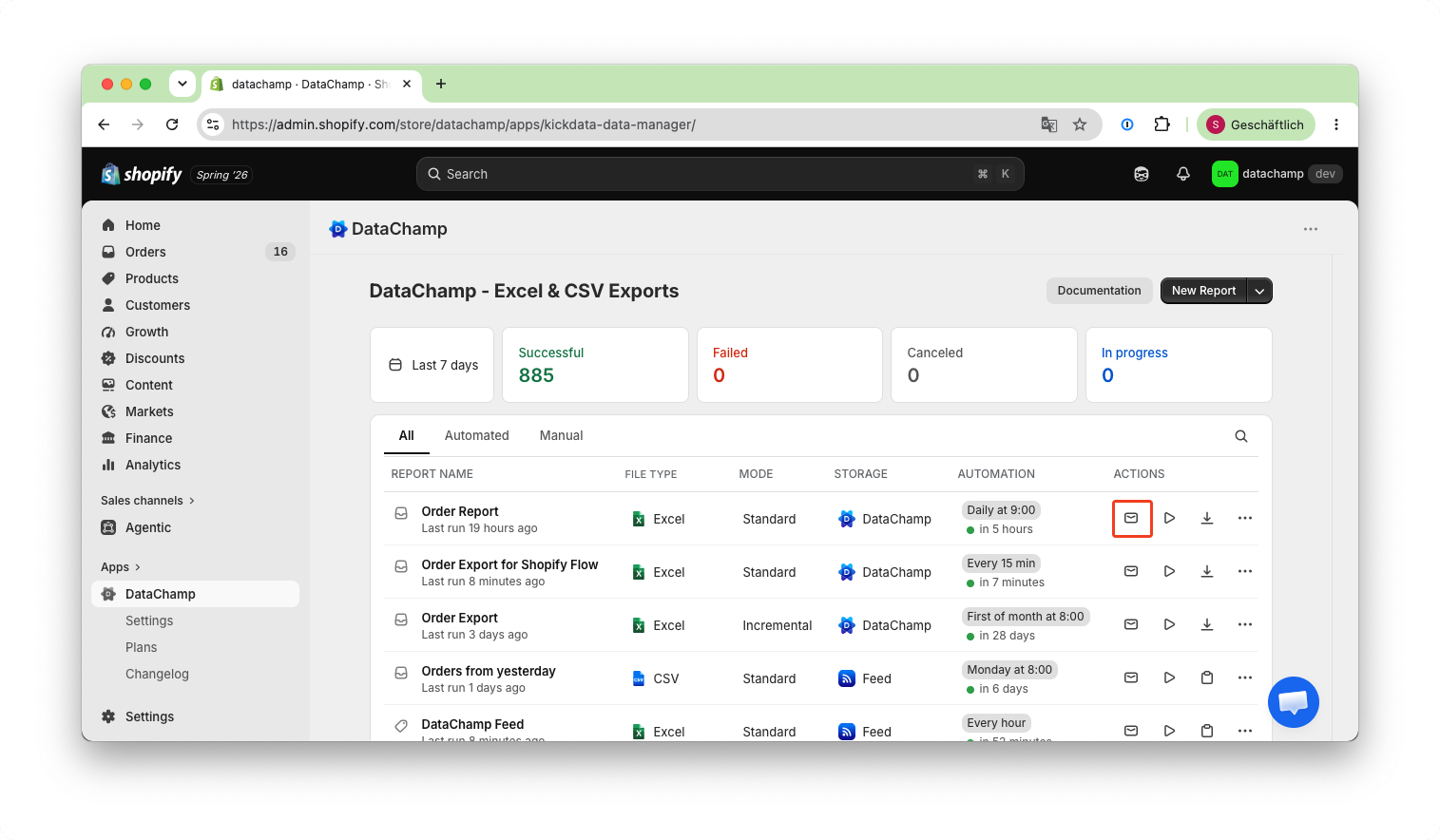
You can enable email notifications either by clicking on the email icon on the dashboard:
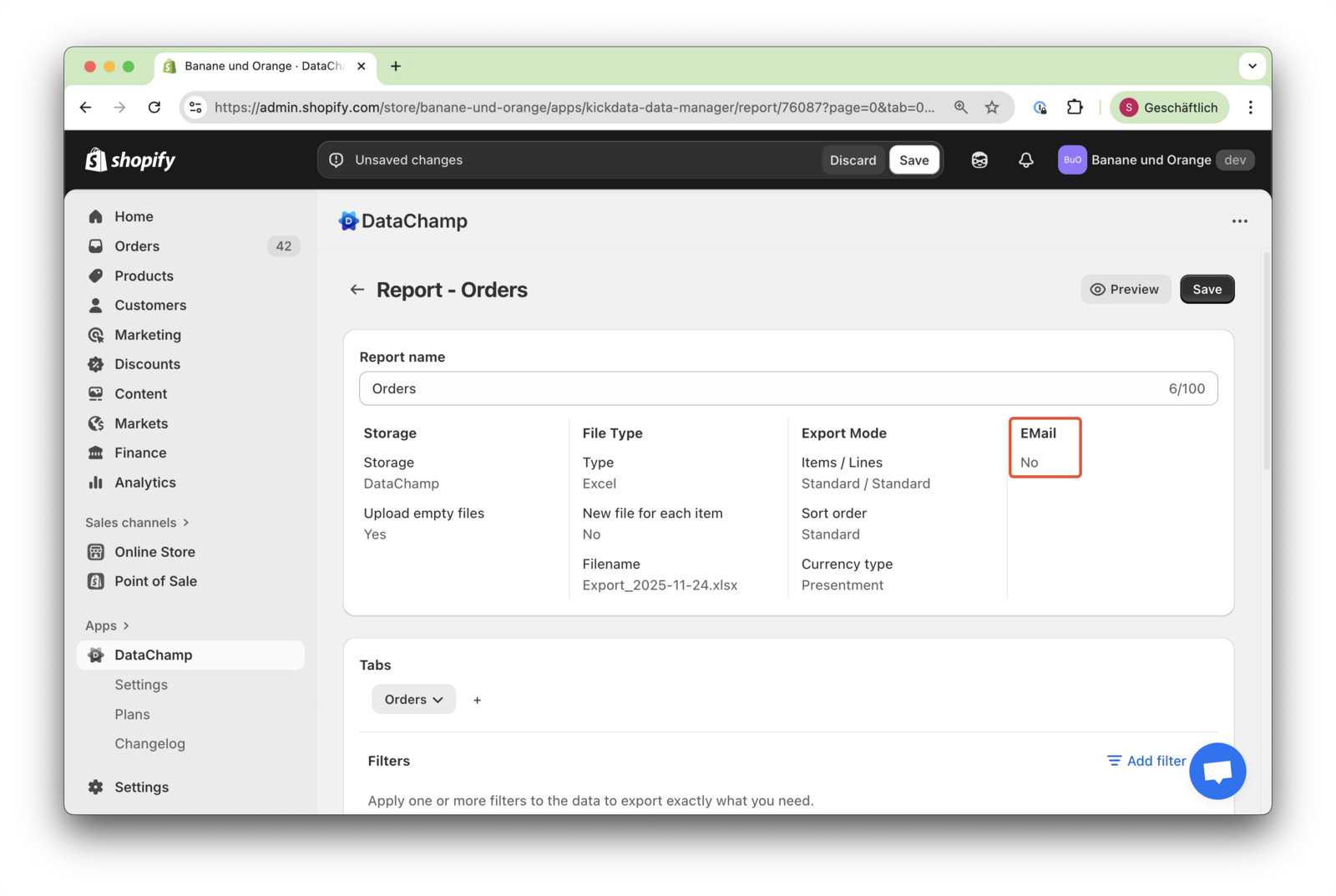
by clicking on "Email" in the report settings:
Click on "yes".
Below you can edit the subject and body of the mail: