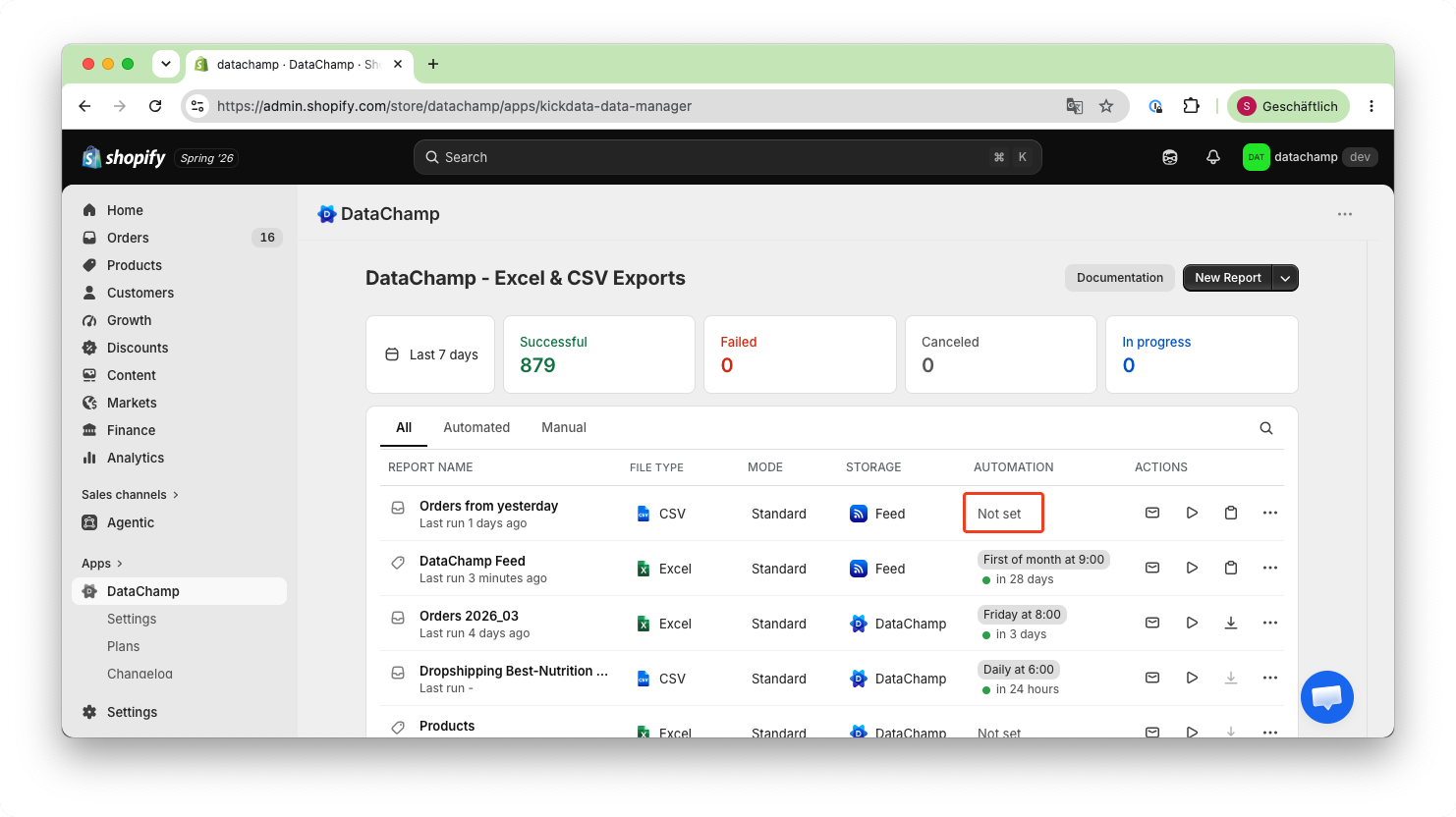
How to Export Bundle Orders from Shopify with Datachamp
Updated on
Export Bundles
In this tutorial, we will show you how to export bundles with Datachamp.
What is a Bundle?
A bundle in Shopify is a product that combines multiple individual items into one offer. Instead of buying products separately, customers can purchase them together as a single product.
Bundles are often offered at a discounted price compared to buying each item individually. For example, a T-shirt, pants, and a cap can be sold together as one bundle.
How to Export Bundles?
Before creating the report, you need to create a bundle using the Shopify Bundles app. The bundle will then appear in the Products section of your Shopify admin. Once a customer orders the bundle, you can export it using an Order report in Datachamp.
- Create a Report
- Click on “New Report” and choose the "Bundle Orders Export" as your template.
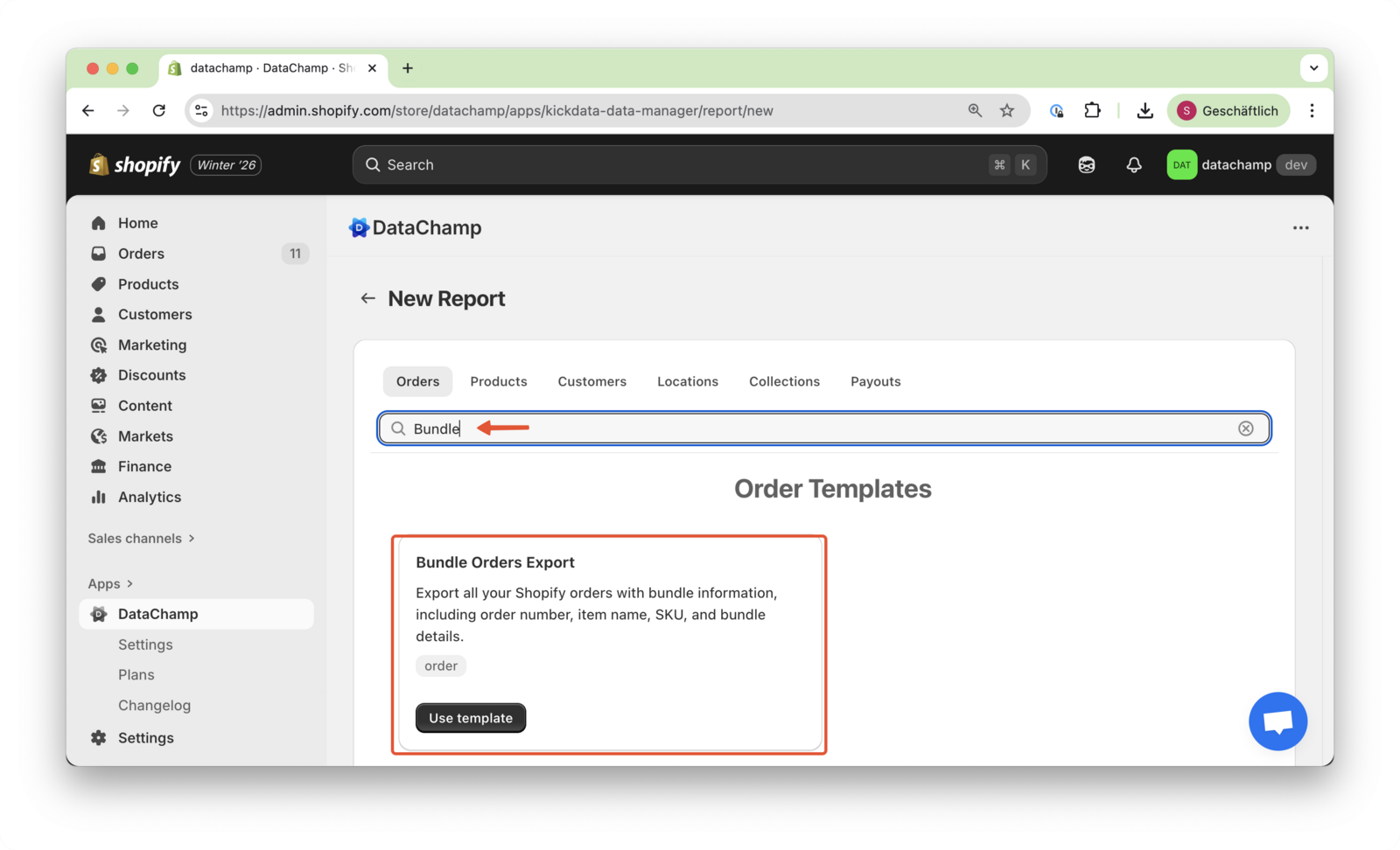
- Add Columns
- Adjust the columns as needed. You can add fields by browsing or searching for them, or by creating a custom column. You can also delete any columns you don’t need for your report.
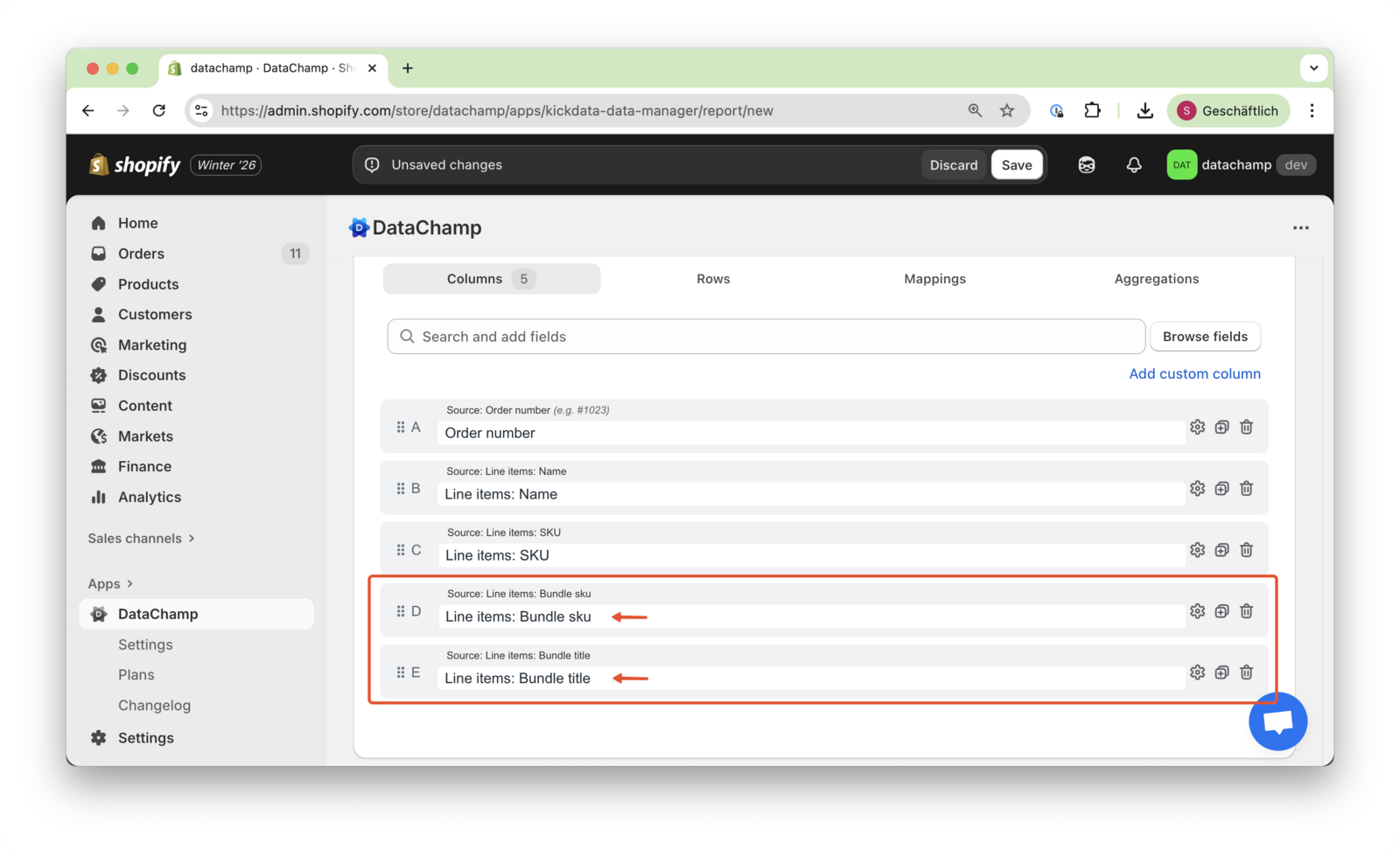
- Preview and Save
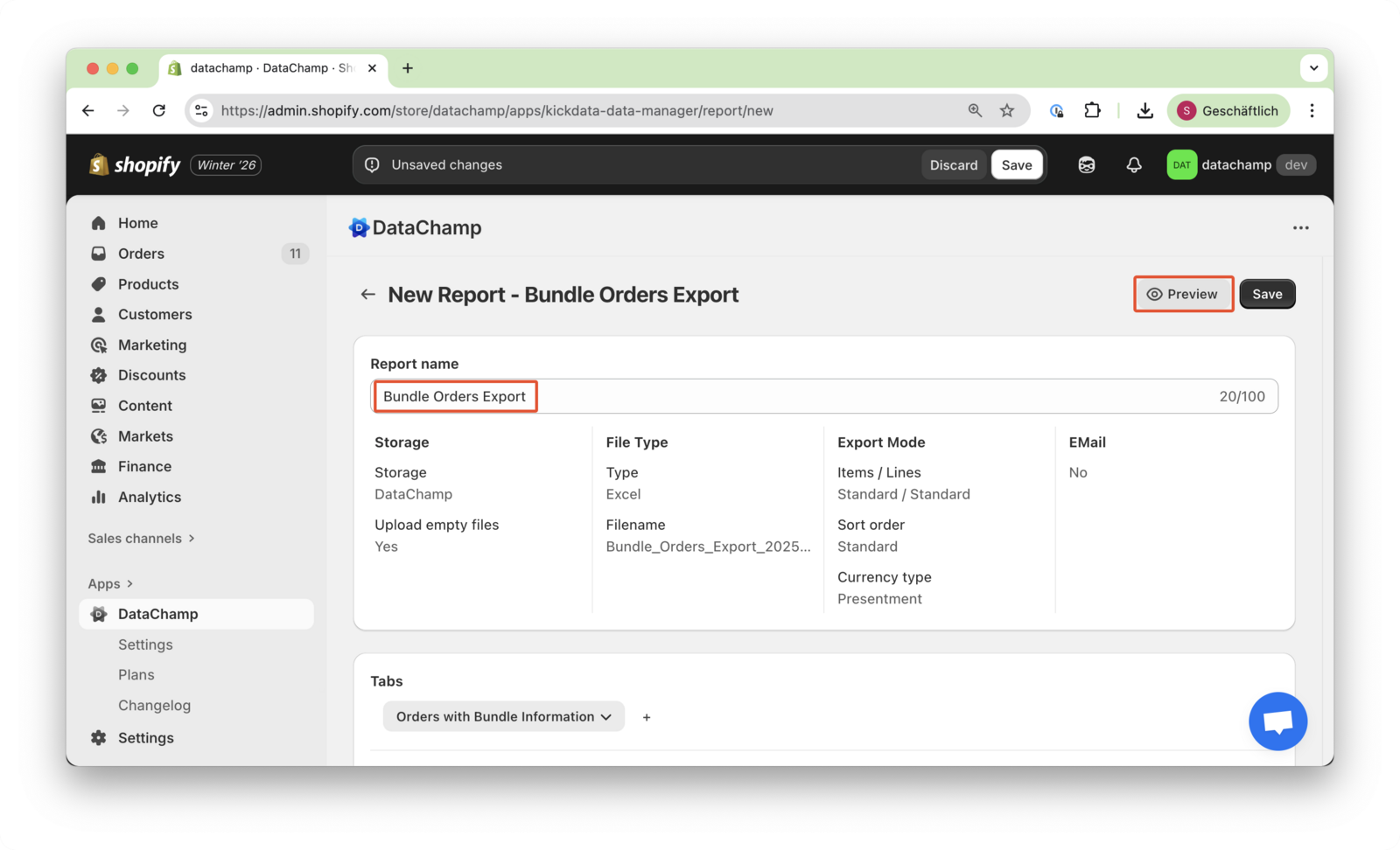
- Rename your report if needed, then click Preview to verify the results. When everything looks correct, click Save and Run.
- Schedule
- You can also set up a schedule to export this report automatically.