Export Orders as Excel/CSV from Shopify
Updated on
Exporting Shopify orders with all details is essential for custom reporting and backup purposes. With DataChamp, you can easily export full order data from the Shopify database.
- Create a new report by clicking on the "New Report" button and select the "Basic report" in Orders.
- Design the report the way you need it: click on Browse and add fields, use filters, mappings, etc.
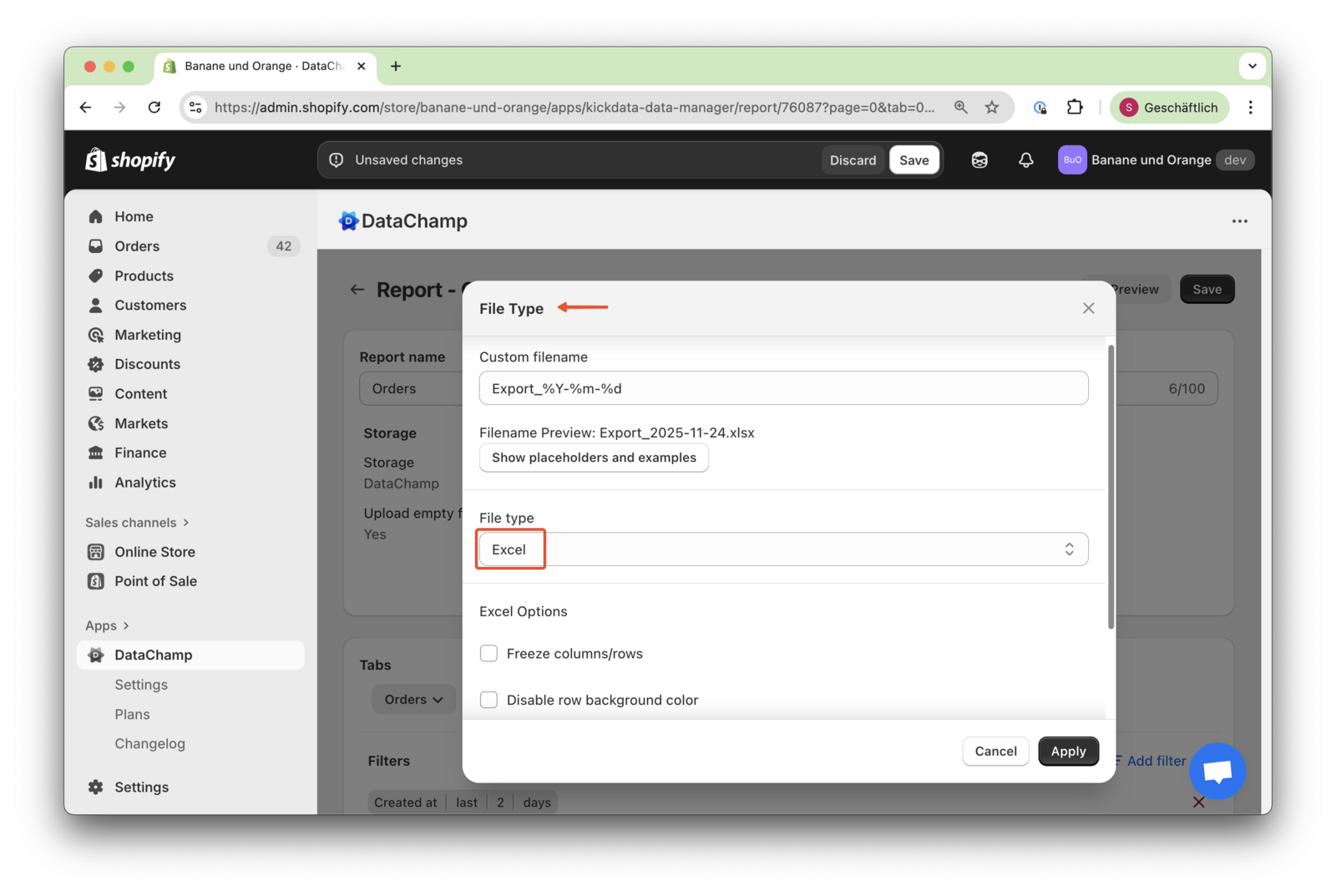
- Select the file type & file name
- Choose whether you need a CSV, Excel, or TXT file.
- Preview the Result, Save & Run the Report
- Click on the "Preview Button" to check to result of the report.
- Give your report a clear name.
- Click "Save & Run" in the upper right corner.
- YouTube Video
Also take a look at our YouTube video on Export Options, where we explain how to export a separate file for each item, export as Excel, CSV, or TXT, and adjust encoding options: