Why Can’t I Export to Google Drive?
Updated on
Google Drive
Before exporting to Google Drive, you must first connect DataChamp to your Google account. You can then use "Google Drive" as storage and "Google Sheets" as the file type.
Therefore open "Settings" in DataChamp:
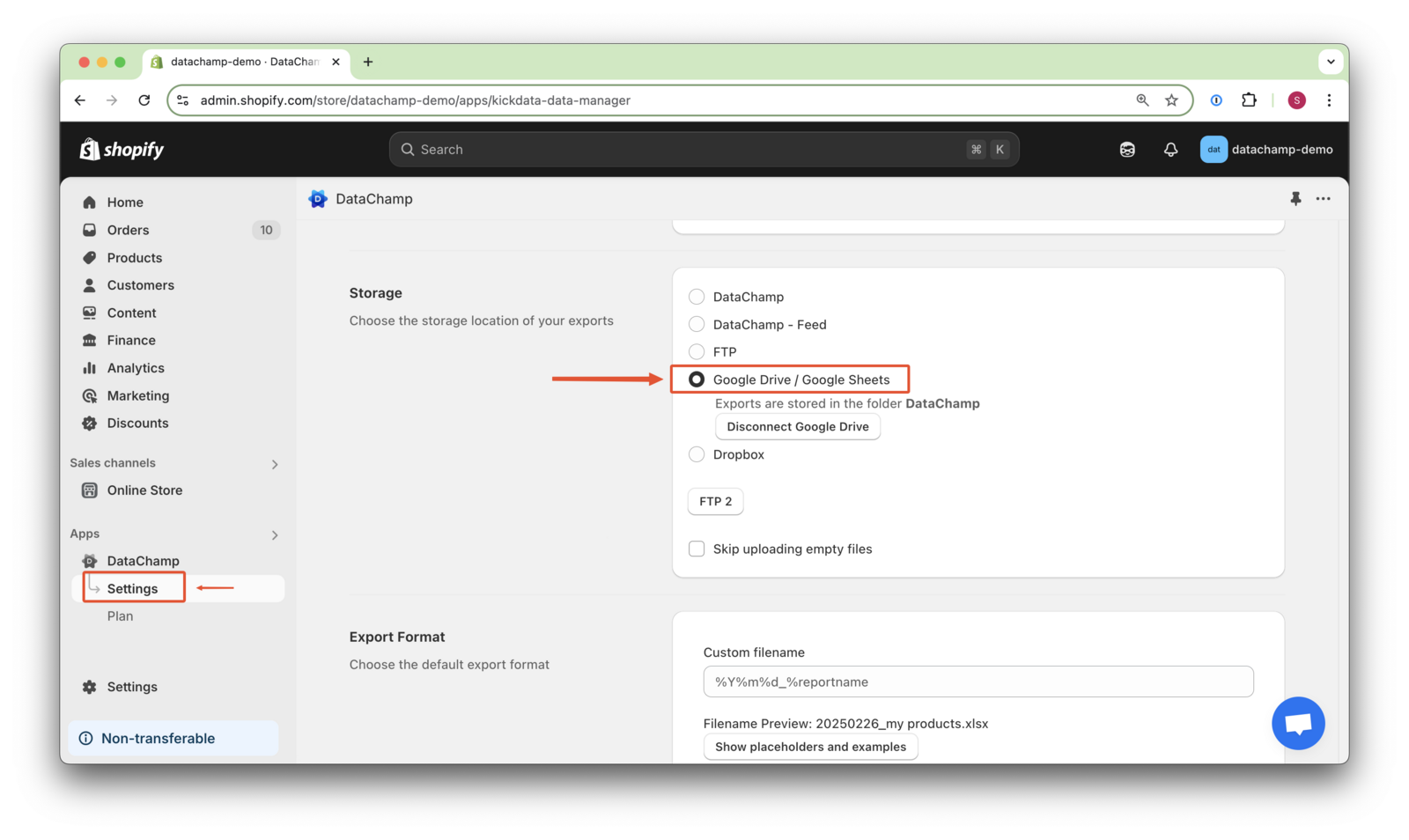
As soon as you click on "Google Drive/Google Sheets", you'll be automatically redirected to the registration page of Google.