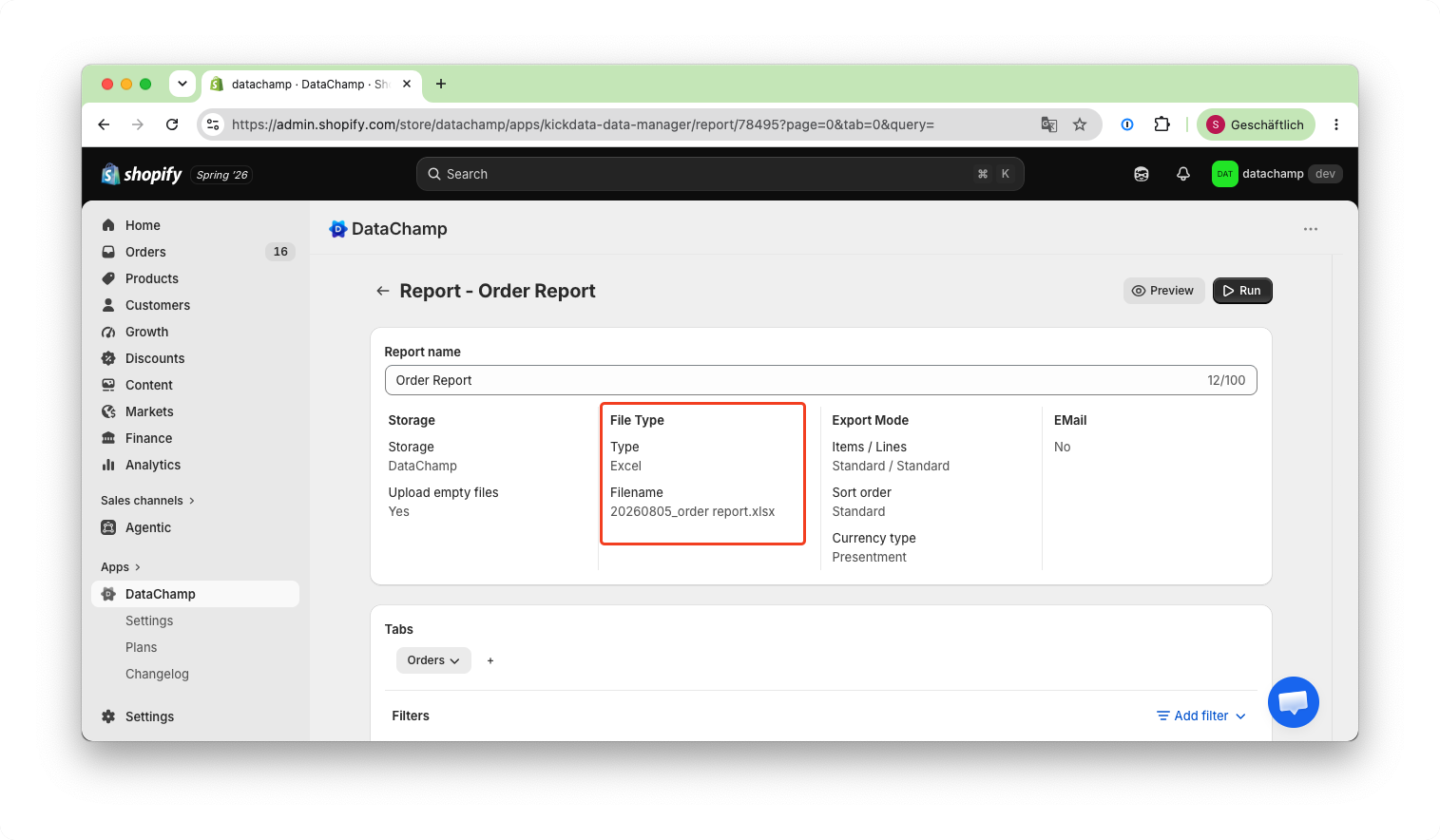
File Type
Updated on
Choose between these File Types:
- Excel
- CSV
- TXT
Google Drive/Google Sheets:
When using Google Drive or Google Sheets for storage, these additional options will be available:
- Overwrite
- Append
- Add sheets
- Create new file
CSV
These are all available options when using the CSV file type:
1. Encoding:
- UTF-8 (Default)
- UTF-8 with BOM
- ASCII
- CP1252 (Windows-1252)
- ISO-8859-1
- ISO-8859-8
- Shift JIS
2. Delimiter
- , (Default)
- ;
- tab
- |
3. Quote
- " (Default)
- '
- none
- " (forced)
4. Line break
- LF (Mac | Linux | Unix)
- CRLF (Windows)
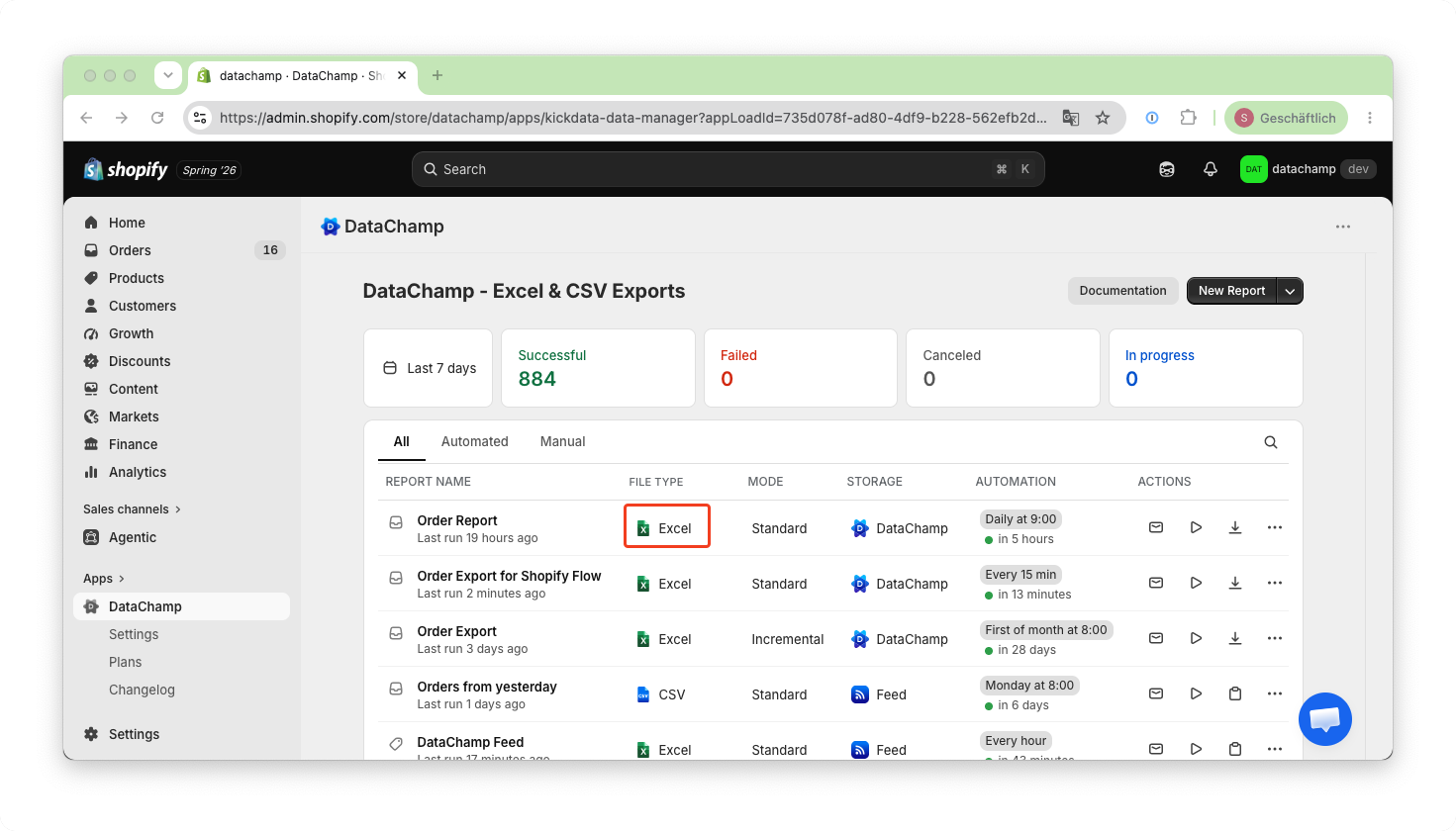
There are two ways to modify the file type:
- either directly on the dashboard:
- or by clicking on "File Type" in the report: