General Settings
Updated on
Access the "Settings Page":
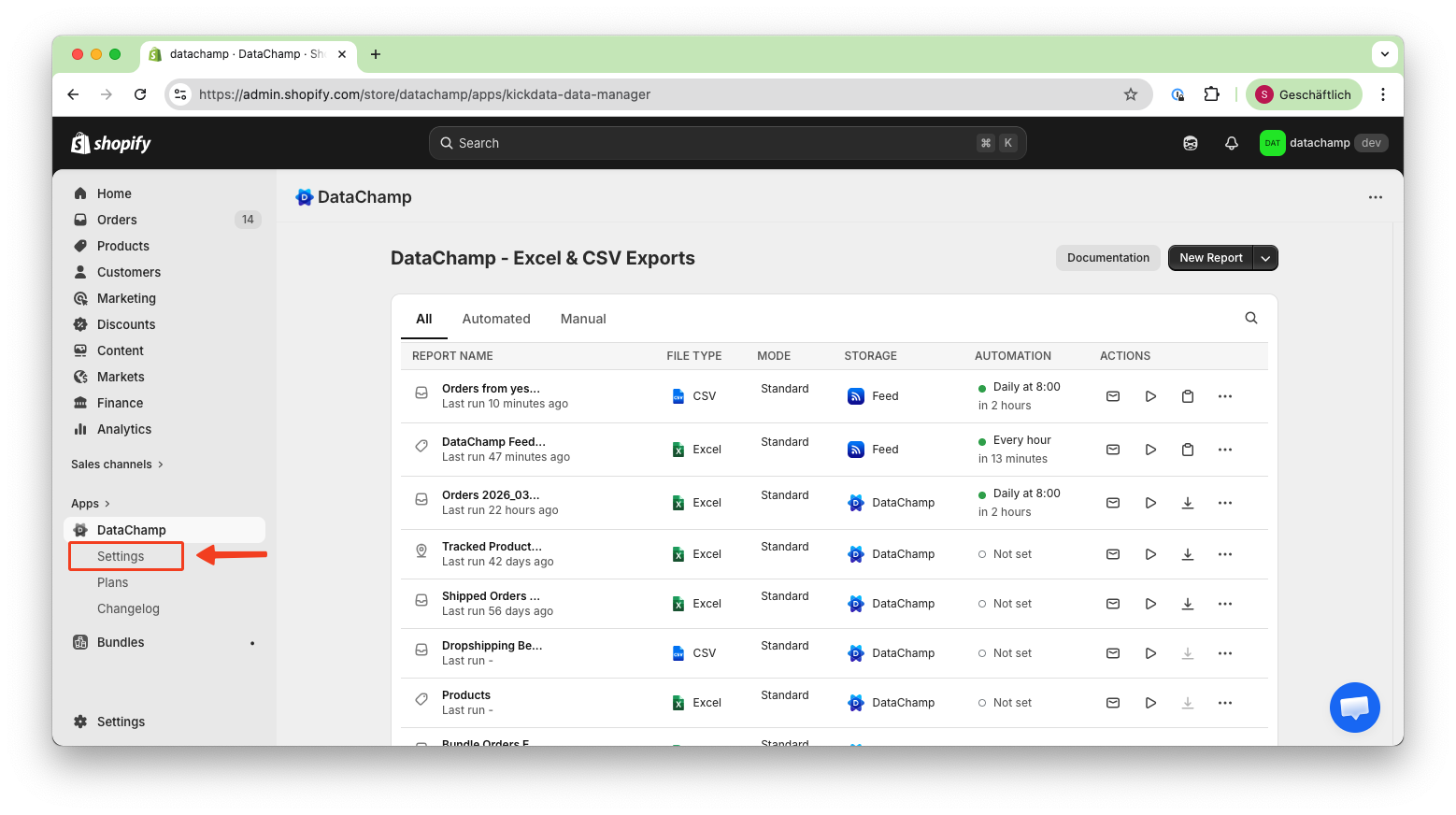
Modify Defaults
The settings configured on the Settings page serve as the default for your reports..
If you need different settings for your report, check out the Report Settings
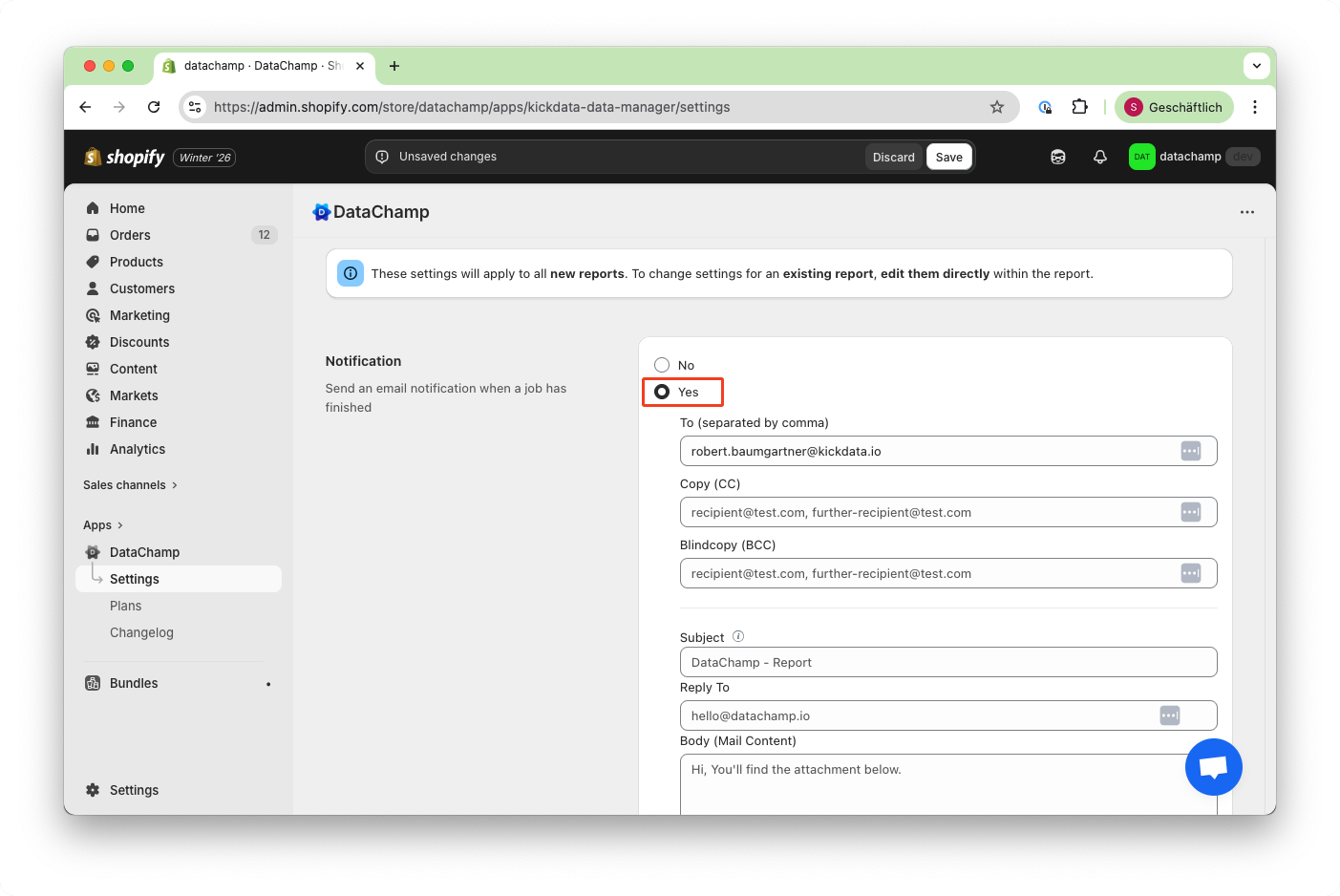
- Notification
The app will send you an email when the report run has finished and your data has been exported.
- Storage
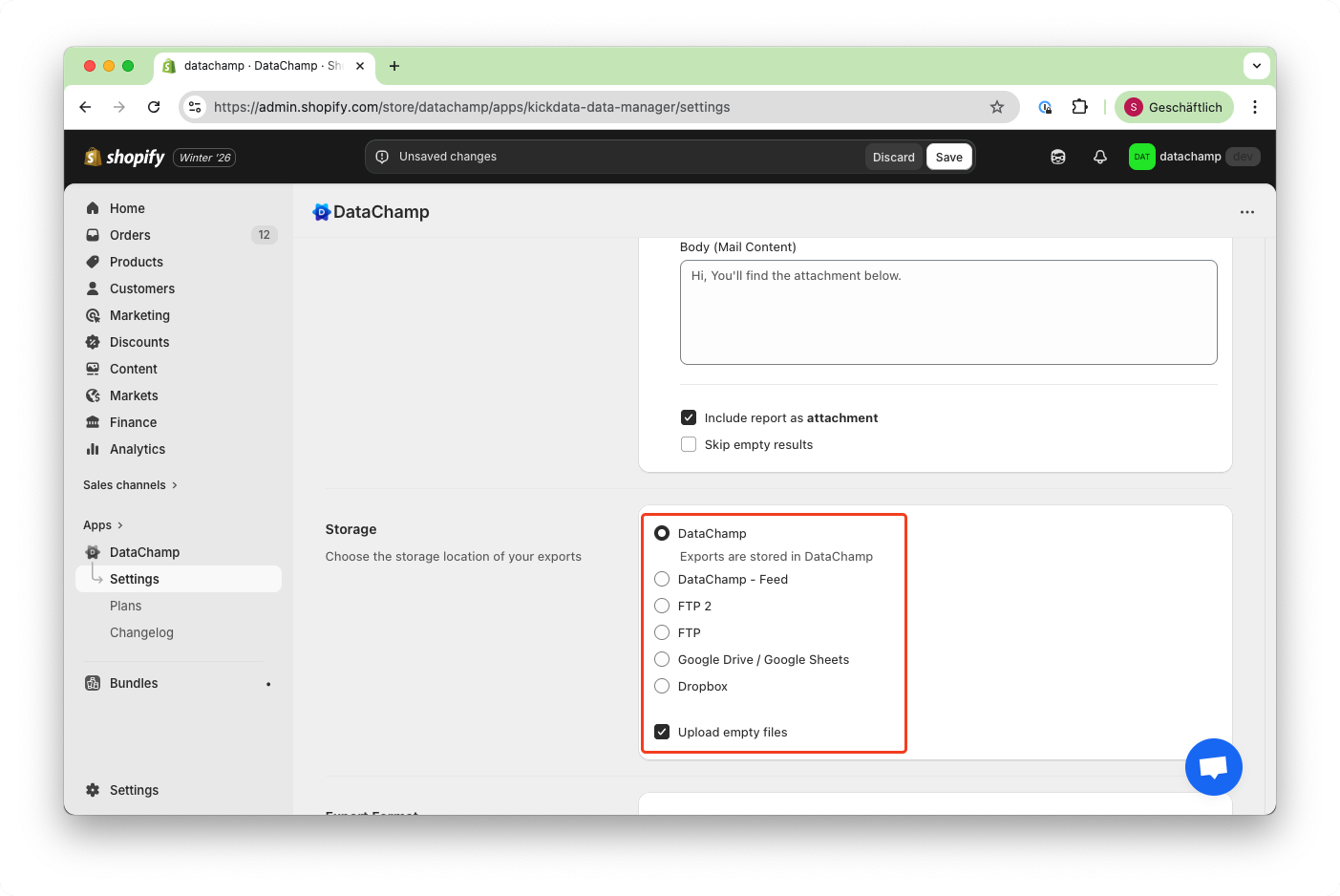
Choose between different storage options. The default storage option is DataChamp, which means your exported data will be stored for free on your servers. You also have the option to connect to your own FTP, GoogleDrive or Dropbox account.
- Export your data to these storage providers
- DataChamp (default - free internal storage)
- DataChamp Feed (URL)
- Google Drive
- Dropbox
- sFTP or FTPs
Set your default storage option in the settings page. Besides, you can choose different storage options per report. The first time you select "Google Drive" or "Dropbox", you will be redirected to Google/Dropbox where you can choose on which of your accounts the files should be exported.
- Export Format
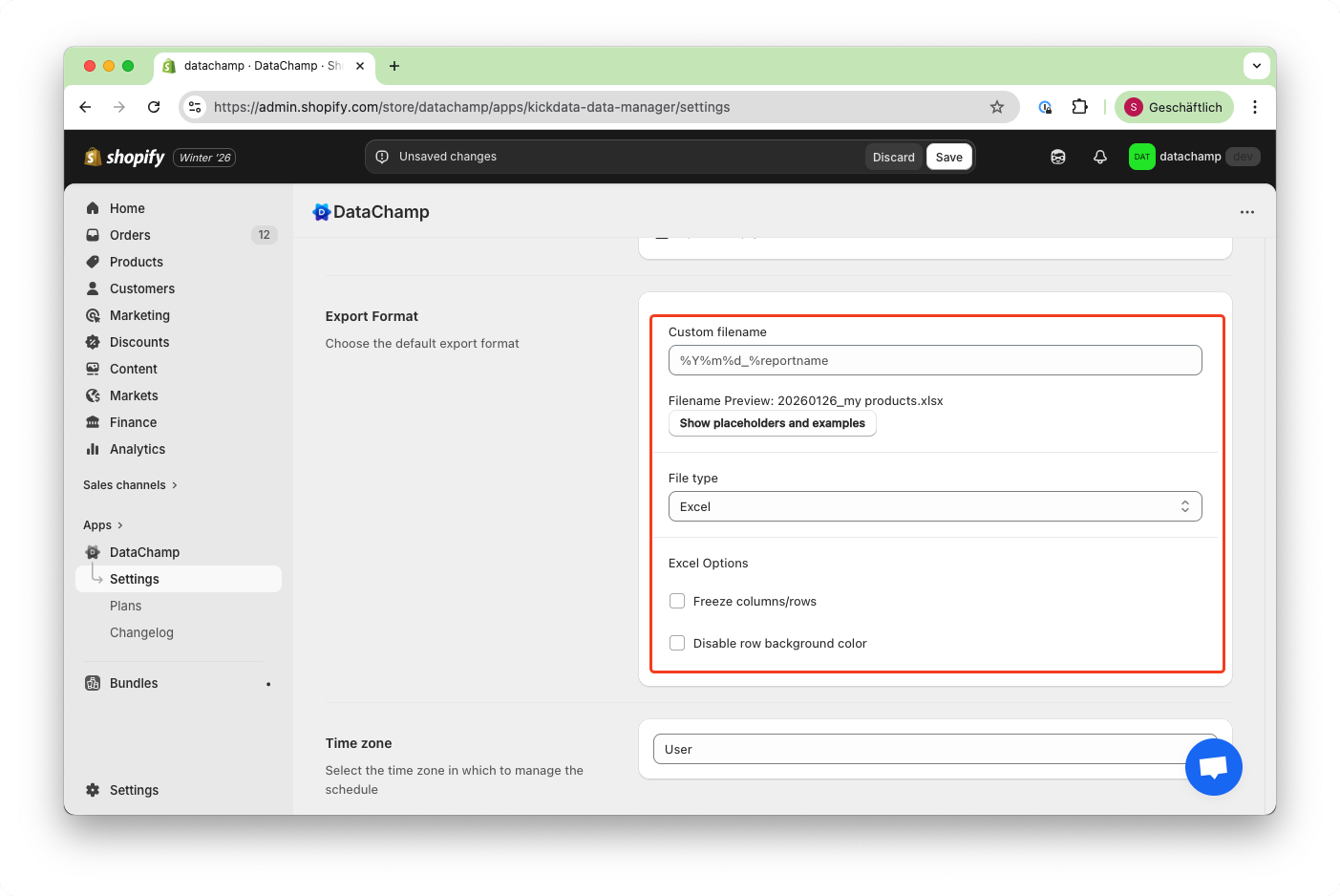
In the "Export Format" section you can choose between Excel and CSV. The Excel file format supports multiple tabs/sheets. For example you can export orders and customers with one file.
On the other hand the CSV format is smaller and often used for data transfer between different IT systems. Please note that the CSV format does not support multiple tabs/sheets. If you have configured multiple tabs in your report, only the first tab will be exported.
Pricing Plan
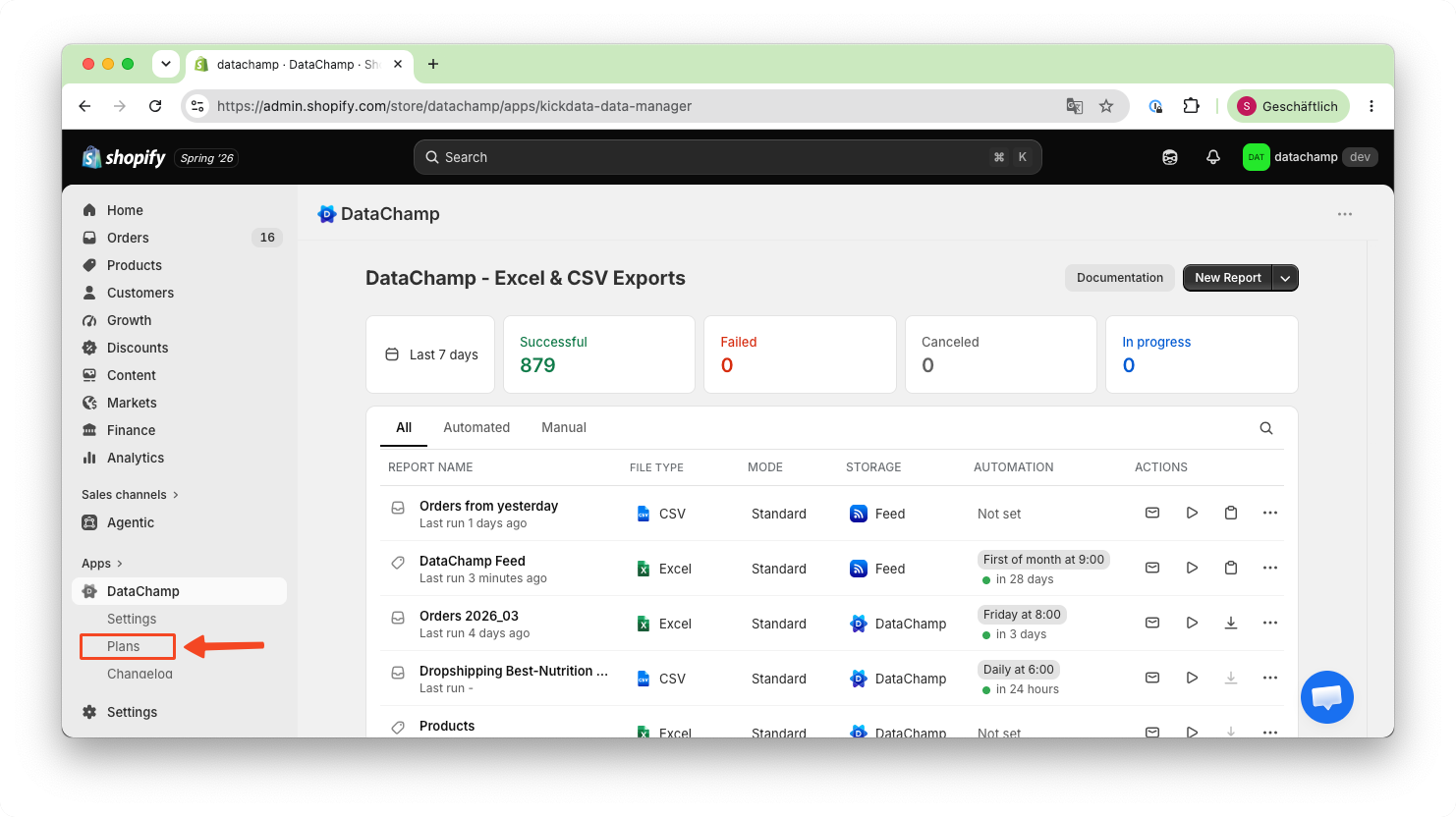
In the "Plan" section, you can find the pricing details, including your current plan. You can start a free 7-day trial or choose a different plan.
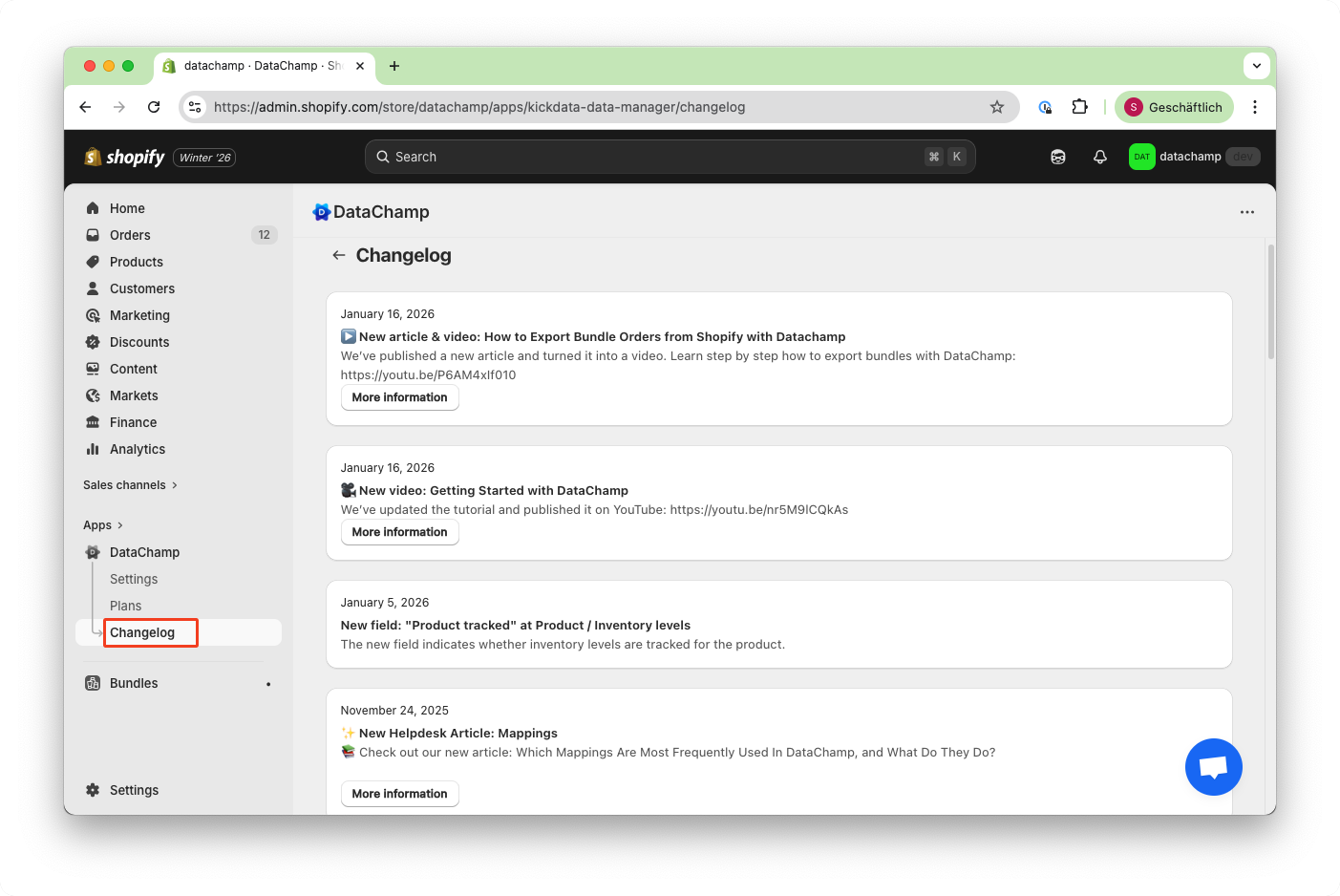
Changelog
Check the changelog for the latest updates, changes and improvements.