How to Change the Exported Currency?
Updated on
Currency
By default, DataChamp uses "Presentment currency", meaning orders are exported in the customer's currency.
For Example: Your shop currency is EUR (€). An American customer pays in USD ($). This order will be exported in USD.
If you need orders in your shop’s default currency instead of the customer’s:
- Go to "Export Mode" settings in DataChamp.
- Change the currency type to "Shop currency".
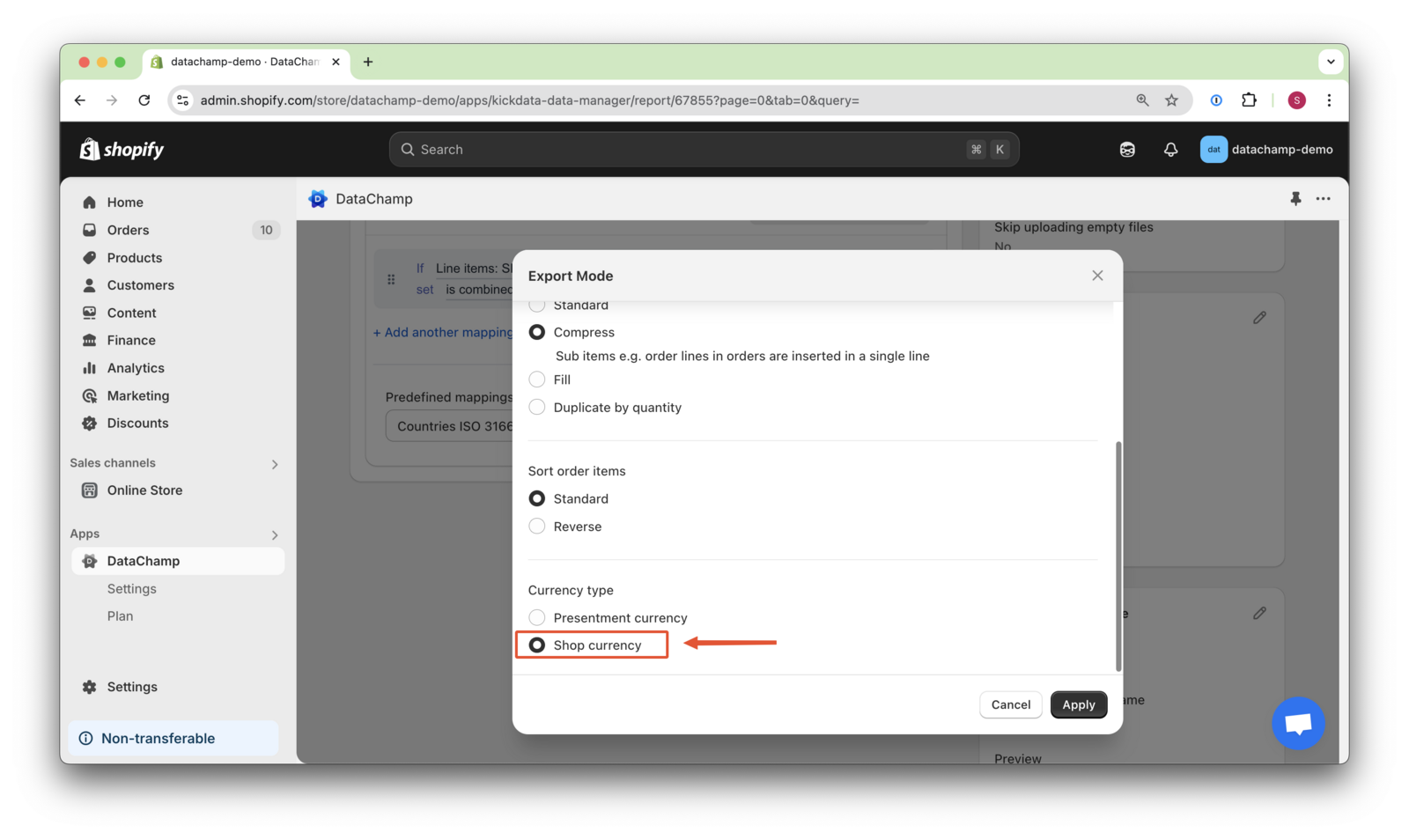
This ensures all exports are consistent with your store’s primary currency.