What Are the Most Commonly Used Filters and How Do They Work?
Updated on
Here you find the filters of order reports that users ask about most often. You add a filter with Add filter in the report: select the field, set the condition and click Add filter.
1. Fulfillment filters
Fulfillment Status:
- Unfulfilled
- Partially fulfilled
- Unfulfilled or Partially fulfilled
- Fulfilled
- Fulfilled or Partially fulfilled
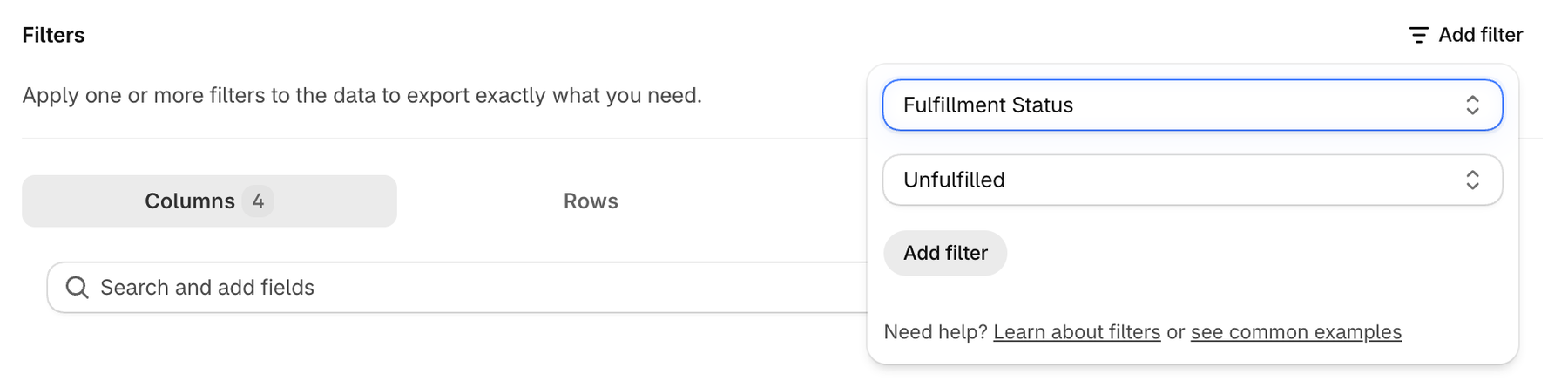
Is Fulfillable:
- The first option incorporates other orders: DataChamp checks the inventory across all orders to see if this order is fulfillable.
- Independent of other orders: DataChamp checks only this single order to see if it is fulfillable.
Line items: Fulfillment assigned location:
The warehouse or location that has been chosen to fulfill the line item.
Line items: Fulfilled at:
Filters by the date a line item was fulfilled. Uses the date filters, see below.
Line items: Fulfillment in transit at:
Indicates when the shipment left the warehouse and is on its way to the customer. Uses the date filters.
Line items: Fulfillable quantity:
The number of units of a line item that can still be fulfilled. Uses the number filters: equals, less than, more than, equals or less than, equals or more than.
Line items: Fulfillment service name:
The service or system responsible for fulfilling a line item. Uses the text filters, e.g. equals to any of, starts with, includes.
2. Refund filters
- Refunds: Amount: The money returned to the customer for a refund. Uses the number filters.
- Refunds: Created at: The date and time when the refund was issued. Uses the date filters.
- Refunds: Refund line items quantity: How many units of a product were refunded. Uses the number filters.
- Refunds: Transactions Kind: Type of the refund transaction: AUTHORIZATION, CAPTURE, CHANGE, EMV_AUTHORIZATION, REFUND, SALE, SUGGESTED_REFUND or VOID.
- Refunds: Transactions Status: Status of the refund transaction: AWAITING_RESPONSE, ERROR, FAILURE, PENDING, SUCCESS or UNKNOWN. See Can I Export Only Orders with a Specific 'Transaction Status'?
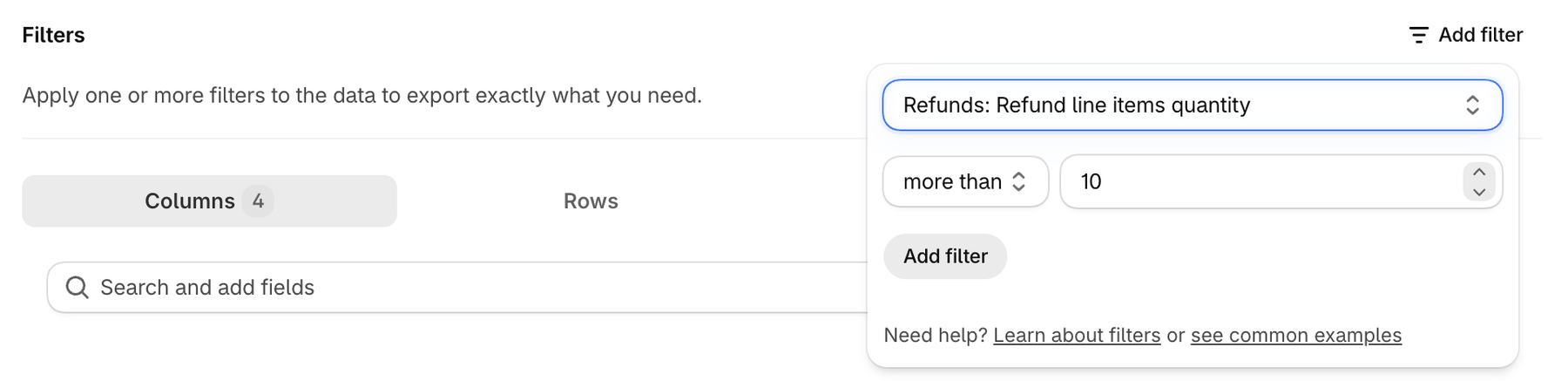
There is a difference between these two filters:
Line items: Refunded quantity → the total refunded quantity of a line item. (Example: You ordered 5 units of Product A and refunded 4 in total → this field shows 4.)
Refunds: Refund line items quantity → each refund separately. (Example: You refunded 3 units first, and then 1 unit later → you will see two refund entries: 3 and 1)
3. Date filters
Date fields offer these conditions: after, before, between, current, is empty, last, older than and on.
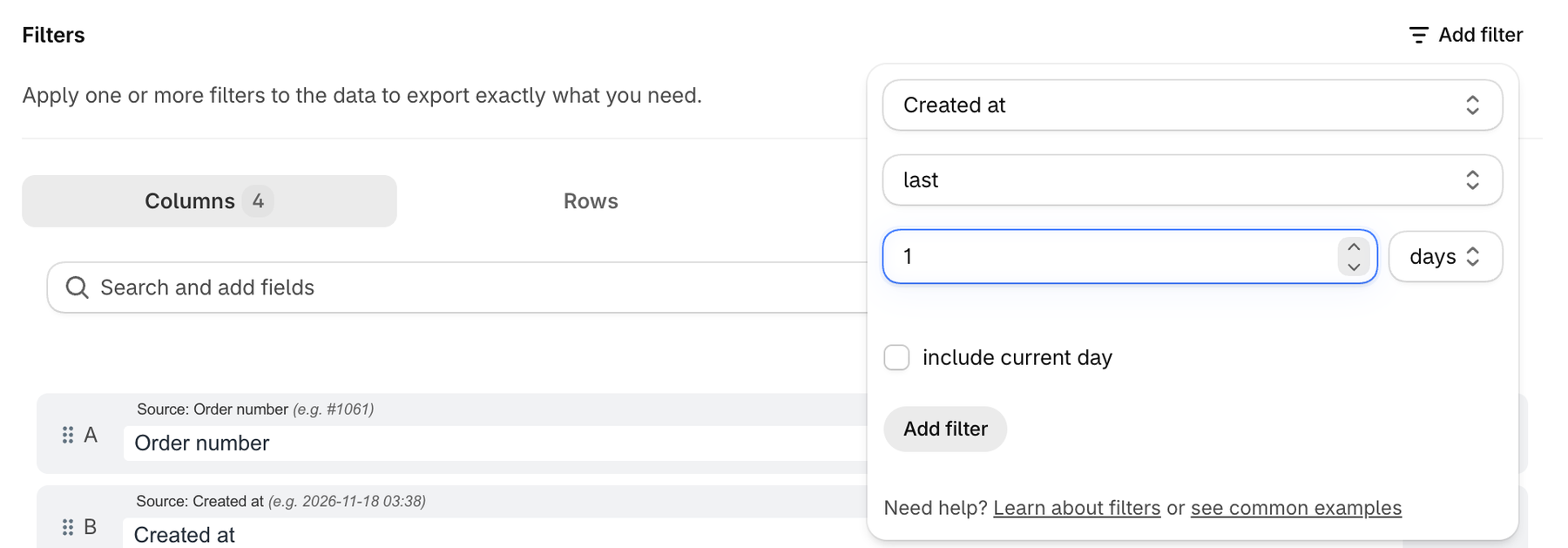
Created at:
Examples:
- Orders from yesterday: → Created at → last → 1 → days
- Orders from last month: → Created at → last → 1 → months
- Orders between 1st May and 15th May: → Created at → between → 1 May – 15 May
last covers the complete days, months or years before the current one. Tick include current day if today should be included as well.
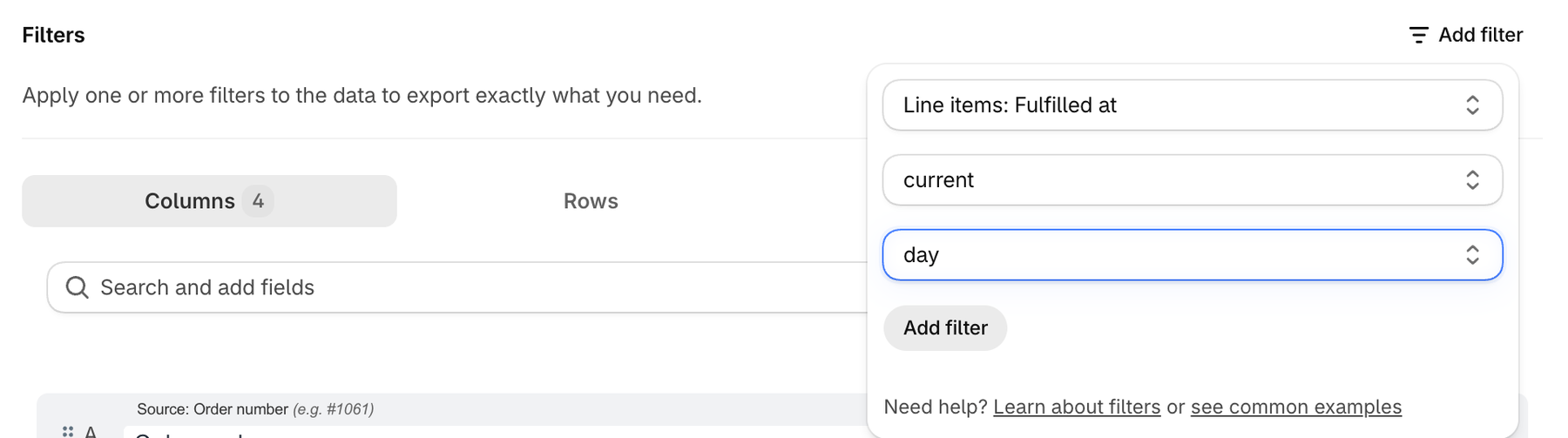
Line items: Fulfilled at: line items which have been fulfilled today → Line items: Fulfilled at → current → day
4. Other filters
Only line items whose name starts with "PC" should be exported: → Line items: Name → filter lines → starts with → PC
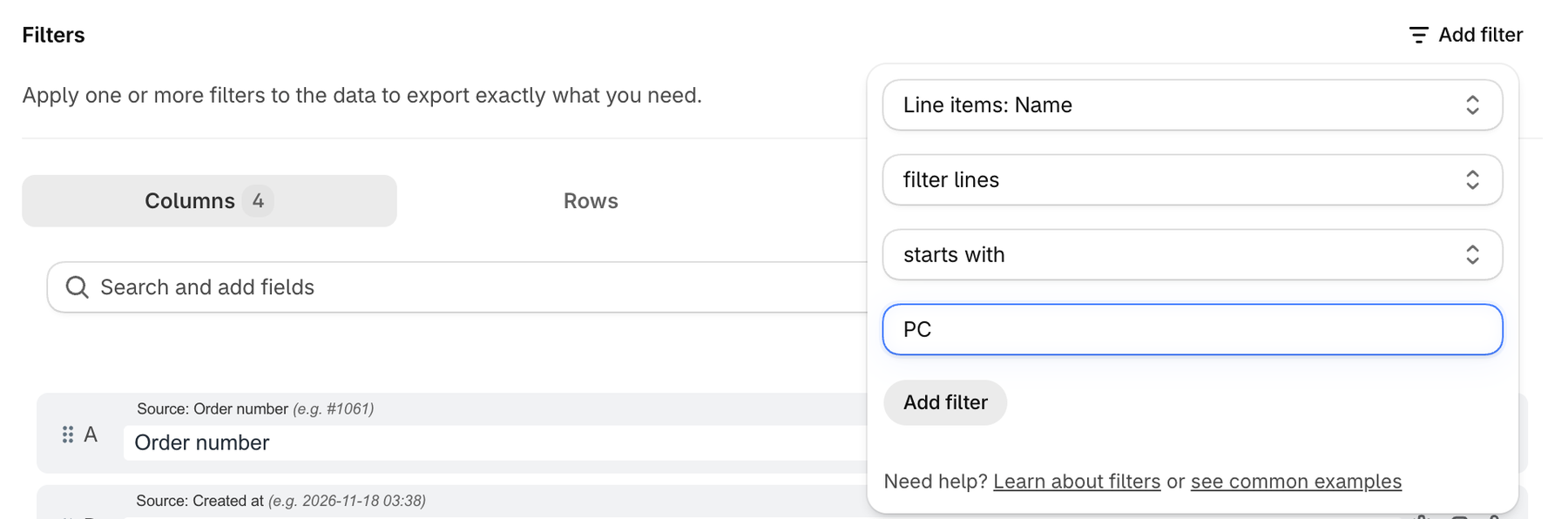
The second list decides what happens with the other line items of an order:
- match all: the order is only exported if all of its line items match.
- match any: the order is exported with all its line items if at least one of them matches.
- filter lines: the order is exported if at least one line item matches, and only the matching line items are exported.
5. Date placeholders
Export only orders with Tag → equals to any of → %m/%d/%Y:
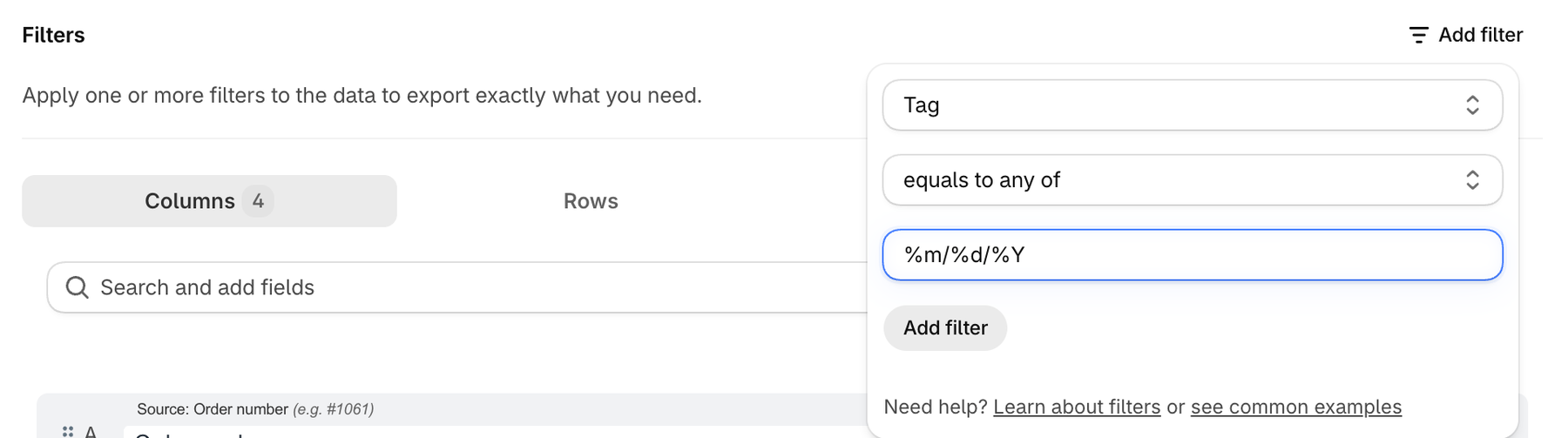
%m/%d/%Y is automatically converted to today's date (e.g. "11/18/2026"), and only orders with this exact tag are exported.
Further information about the date format can be found here: File Name
Check out the article for a general explanation of Filters.